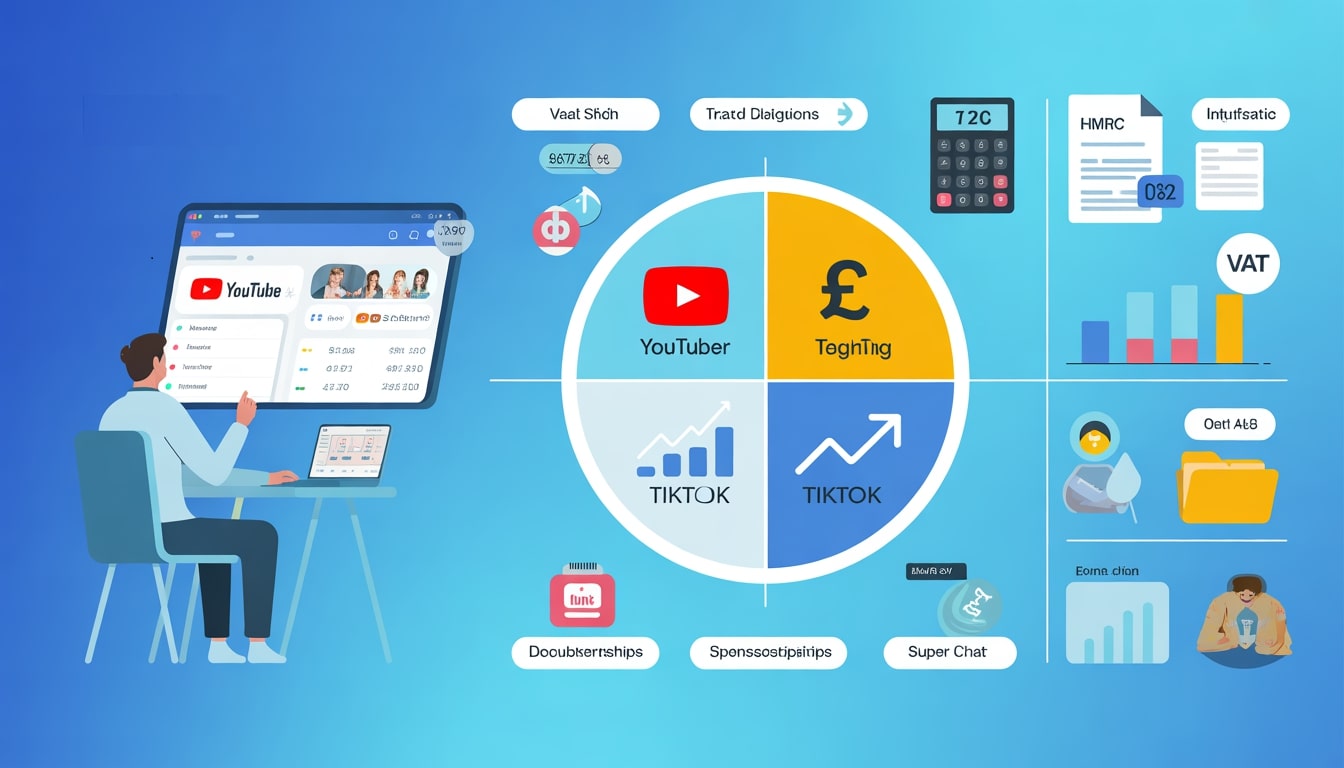
Many YouTubers start their journey with a simple passion for creating videos. But once those videos start generating income, your hobby is no longer just a hobby – it becomes a business in the eyes of HMRC. And with a business comes the responsibility of managing tax, National Insurance and proper records.
This guide is tailored for UK‑based YouTubers and explains how tax works, what you can claim, how monetisation ties in, and when it makes sense to bring in a specialist accountant.
Tax Obligations for YouTubers in the UK
Yes, YouTubers in the UK must pay taxes on their earnings if they surpass specific thresholds. If your channel earns money through AdSense, sponsorships, merchandise sales, or other monetized activity. As a YouTuber earning income, you’re considered self-employed, which means you’re responsible for managing and paying taxes. Here’s a breakdown:
Do YouTubers Pay Taxes?
Yes. If you make money from YouTube – through AdSense, sponsorships, memberships, merch, Super Chat, affiliate links or any other monetised activity – HMRC will treat this as taxable income.
Moreover, In the UK there is a £1,000 trading allowance that covers income from all self‑employments and side hustles combined. If your total side‑hustle income (from YouTube plus anything else such as TikTok, UGC projects, selling online, etc.) is £1,000 or less in a tax year, you usually won’t need to register with HMRC.
Once your total creator/side‑hustle income exceeds £1,000 in a tax year, you must:
-
Register with HMRC as self‑employed.
-
Complete a Self Assessment tax return each year, reporting all income and allowable expenses.
This includes money and payments in kind. If a brand sends you products in exchange for a video or mention, the fair market value of those products counts as taxable income.
Failure to declare income can lead to penalties and interest.
Registering as a Self-Employed YouTuber
As a self-employed individual, YouTubers need to register for self-assessment and file annual tax returns. Here’s how to get started:
- Set up a Government Gateway Account on the HMRC website.
- Register for Self-Assessment, providing your personal and business details.
- Receive your Unique Taxpayer Reference (UTR) by post.
- Activate your account using the provided code.
- File your tax return before 31 January each year
To ensure a smooth tax return process, accurate records of income and expenses, such as invoices and receipts, must be maintained.
Income Tax for YouTubers
The amount of income tax you owe depends on your profit and the applicable tax band. For the 2023/24 tax year, the rates are:
- £0 – £12,570: 0% (Personal Allowance)
- £12,571 – £50,270: 20% (Basic Rate)
- £50,271 – £125,140: 40% (Higher Rate)
- Above £125,140: 45% (Additional Rate)
For example: If you earn £80,000:
- £12,570 is tax-free.
- £37,700 is taxed at 20% = £7,540.
- £29,730 is taxed at 40% = £11,892.
- Total tax liability: £19,432.
National Insurance Contributions (NICs)
- NICs apply to earnings over £12,570.
- Class 2 NICs (fixed rate) are abolished as of April 2024, slightly reducing your tax burden.
Avoiding the 60% Tax Trap
If your income sits between £100,000 and £125,140, your Personal Allowance is tapered – reduced by £1 for every £2 above £100,000 – which creates an effective marginal rate of 60% in this band. Careful planning (for example via pension contributions or charitable donations) can reduce this effect, so at these levels you should definitely speak to an accountant.
Tax-Deductible Expenses for YouTubers
You can deduct expenses that are “wholly and exclusively” for business purposes:
- Equipment: Cameras, microphones, lighting.
- Editing Software: Subscriptions like Adobe Premiere Pro.
- Marketing: Costs for promoting your channel.
- Travel: Expenses for business-related trips.
- Home Office: Proportional claims for workspace use.
Hiring an accountant can simplify this process and help identify all deductible expenses, often saving you more money than their fee.
Managing Multiple Income Streams
YouTubers often earn from various sources:
1. Ad Revenue: From YouTube Partner Program.
2. Sponsorships: Paid promotions or product placements.
3. Merchandise Sales: Selling branded products.
4. Affiliate Marketing: Earning commissions via shared links.
Tips for Management:
- Use dedicated bank accounts for business finances.
- Track income and expenses using accounting software.
- Save a portion of income monthly for tax payments.
Monetizing Your YouTube Channel
To join the YPP and start earning revenue from your content, you must meet these requirements:
1. Subscribers & Watch Hours:
- At least 1,000 subscribers.
- 4,000 public watch hours in the past 12 months.
2. Age & Location:
- Be over 18 years old.
- Ensure the YPP is available in your country/region.
3. Compliance:
- No active Community Guidelines strikes.
- Link a Google AdSense account.
- Enable two-factor authentication for security.
Maximizing Income with YouTube Shorts
Short-form content can boost channel growth and engagement, indirectly increasing ad revenue and sponsorship opportunities.
How to Apply for Monetization
- Access YouTube Studio: Log in and navigate to the “Monetize” tab.
- Start Application: Click “Apply Now.”
- Review Terms: Accept the YPP terms and conditions.
- Link AdSense: Connect your AdSense account for payments.
- Await Approval: YouTube typically reviews applications within one week.
Tracking Your Earnings
1. Ad Revenue: Monitor earnings through the AdSense dashboard.
2. Sponsorships/Affiliates: Track via spreadsheets or affiliate program dashboards (e.g., Amazon Associates).
3. Third-Party Earnings: Manage income from memberships or live-stream monetization tools like Super Chat.
4. Accounting Software: Use tools like QuickBooks or Xero for automated tracking and financial insights.
Revenue Streams:
1. Ads: Earn revenue from ad views and clicks.
2. YouTube Premium: Share subscription revenue from premium viewers.
3. Sponsorships: Partner with brands for paid promotions.
4. Channel Memberships: Offer exclusive perks for a fee.
5. Super Chat: Earn during live streams from highlighted viewer comments.
6. Merchandise Sales: Sell products directly to your audience.
Best Practices for Maximizing Earnings
1. Diversify Income Streams: Don’t rely solely on ads; explore sponsorships, affiliate marketing, and merchandise.
2. Engage Your Community: Build viewer loyalty through active interaction on videos and live streams.
3. Optimize Content for SEO: Use relevant keywords, compelling titles, and thumbnails to improve visibility.
4. Analyze Performance: Use YouTube Analytics to understand which content performs best and refine your strategy.
Benefits of Hiring Reflex Accountant
Managing taxes and finances as a YouTuber can be challenging, especially with multiple income streams. Our expert accountants for Influencers:
- Help optimize tax strategies and claim deductions.
- Ensure timely and accurate tax filings.
- Assist with international income compliance.
- Represent you during HMRC audits if needed.
Conclusion
Turning your YouTube channel from a passion project into a sustainable business is exciting but it also brings tax, compliance and financial planning responsibilities.
You can focus on what you do best by understanding when and how to register with HMRC, keeping accurate records and using proper accounting tools and bringing in a specialist accountant once your income is meaningful (for example, consistently above £4,000 per month or with complex multi‑platform income)
If you’re a UK creator navigating growing YouTube income and multiple revenue streams, Reflex Accounting can help you build a tailored tax and accounting plan around your channel, so your finances grow as fast as your views.